Zombie & Skeleton Face Filter — Free Halloween Photo Effect
Upload a selfie and become a zombie, skeleton, witch, vampire, ghost or pumpkin king in seconds. Align three dots, pick an effect, download. Free, unlimited, no watermark — and your photo never leaves your device.
Three steps to your Halloween look
Upload or sample
Upload any portrait — selfie, Halloween photo, or use the built-in sample. Faces work best at 300px or wider in the frame.
Align the 3 dots
Drag the orange dots onto both eyes and the mouth. The effect layers are drawn from these points, so alignment is everything.
Pick, tune & download
Choose zombie, skeleton, witch, vampire, ghost or pumpkin king. Adjust intensity, toggle before/after, then download the PNG.
The costume that never fits — solved
Dressing up as a character nobody recognizes is the classic Halloween heartbreak. With this filter you can become the zombie, skeleton or witch you dreamed of — and the result is unmistakably Halloween.
No makeup skills, no costume budget, no messy cleanup. Everything runs on your device — your selfie never leaves your phone or computer.
Will it work on group photos?
Why do I have to drag dots?
Can I use my result for a profile picture?
Is there a watermark?
Pair this tool with…
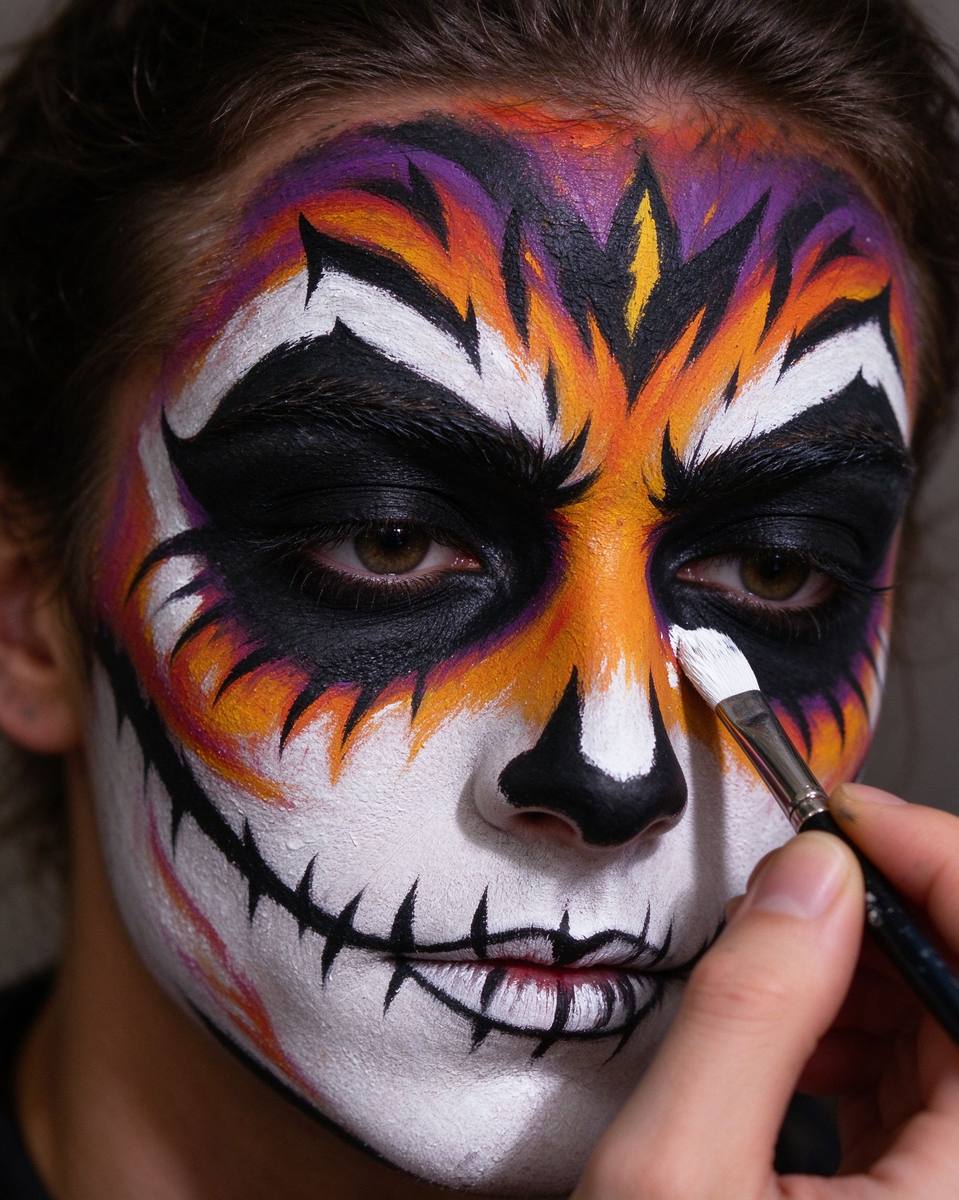 Makeup
Halloween Makeup Simulator
Try 8 iconic looks on your face first — with a mini tutorial for each one.
Open tool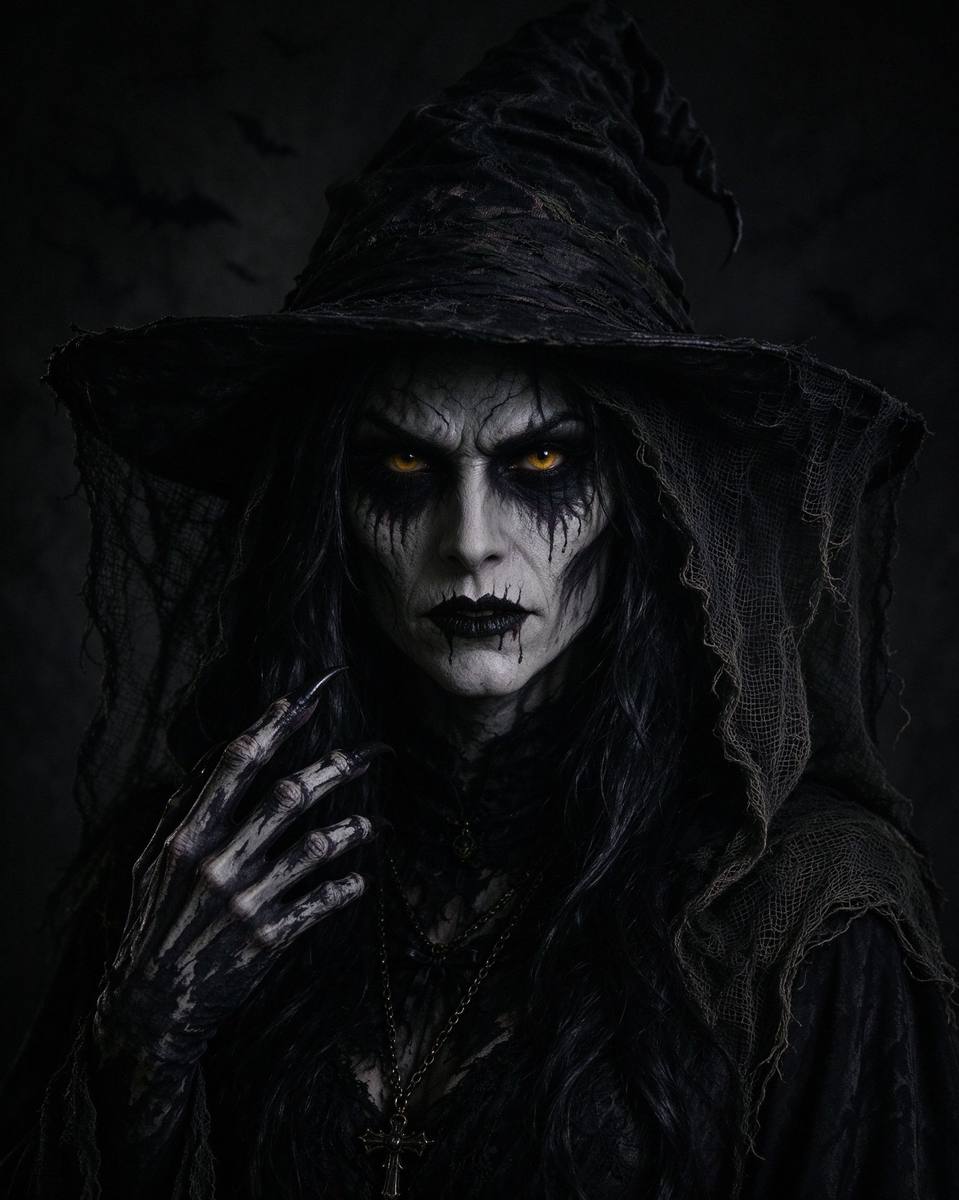 Social
Spooky Avatar Generator
Make Halloween avatars sized perfectly for X, Instagram and Discord.
Open tool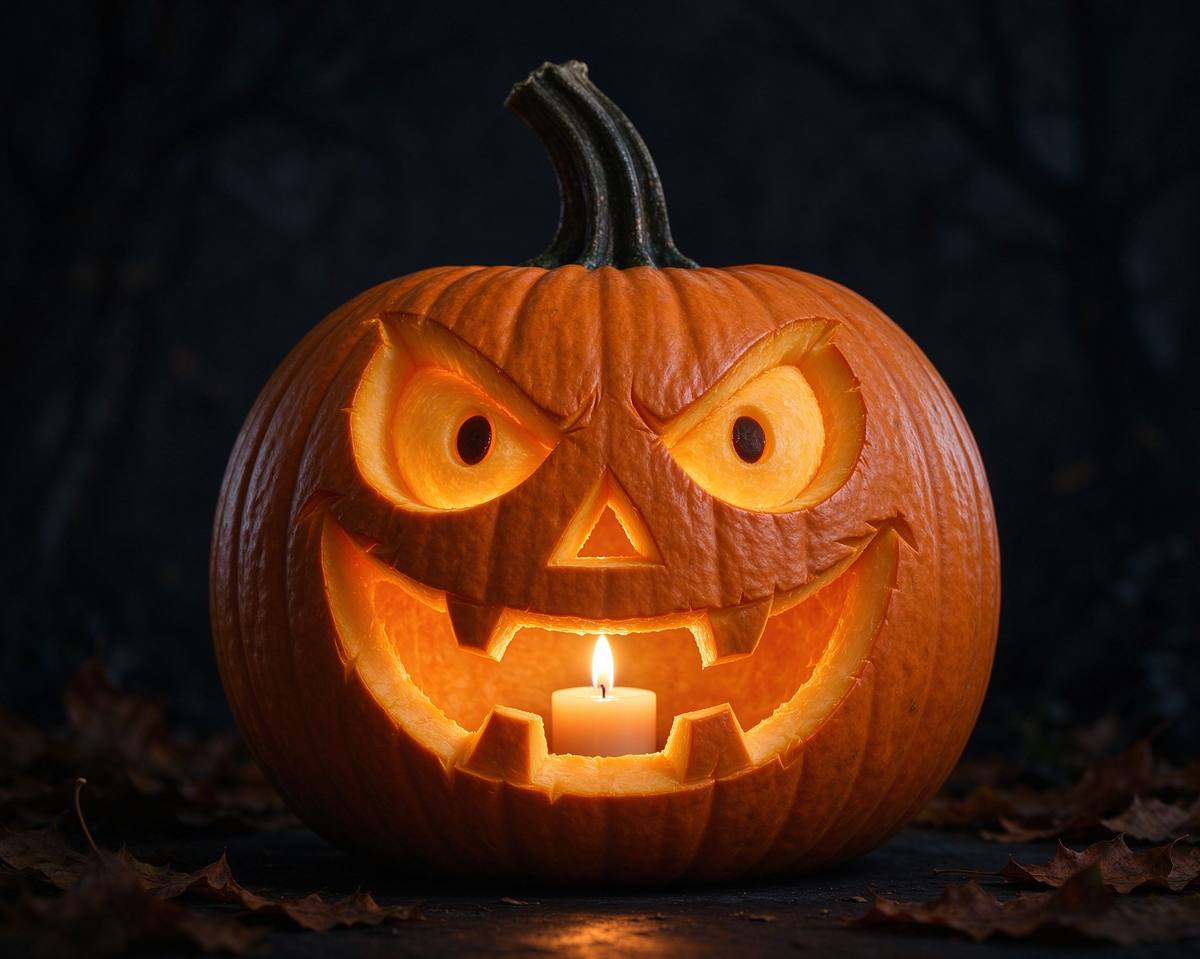 Pumpkin
Pumpkin Carving Stencils
Easy, medium and expert stencil patterns to print and carve tonight.
Open toolRead the full tutorial: How to Turn Your Photos into Zombie Masterpieces →