Spooky Avatar Generator — Halloween Pictures for X, Instagram & Discord
One photo, perfectly sized Halloween avatars for X (400x400), Instagram (320x320), Discord (512x512), generic (512x512) and the X Banner (1500x500). Pick a spooky frame, center-crop, download. Free, private, no sign-up.
Three steps to a cross-platform spooky avatar
Upload or sample
Upload your selfie or the built-in sample face. Keep your face near the center of the photo.
Pick size & frame
Choose the platform (X, Instagram, Discord, generic square or X banner) and one of six spooky frames.
Download each size
The canvas exports at exact pixel dimensions. Switch platform and download again — one photo fills every profile.
The avatar-size headache — solved
On Instagram and Discord, spooky-profile-picture packs are everywhere this month — but X crops to 400px, Instagram to 320px, Discord wants 512px and the X banner is a weird 1500x500 rectangle. One square export never fits all of them.
Pick your platform, pick a frame, download. We center-crop for you so the face always stays in frame — no more guessing what X will cut off your chin.
Which size should I pick?
Will my face be cut off?
Can I remove the frame?
Is it free?
Pair this tool with…
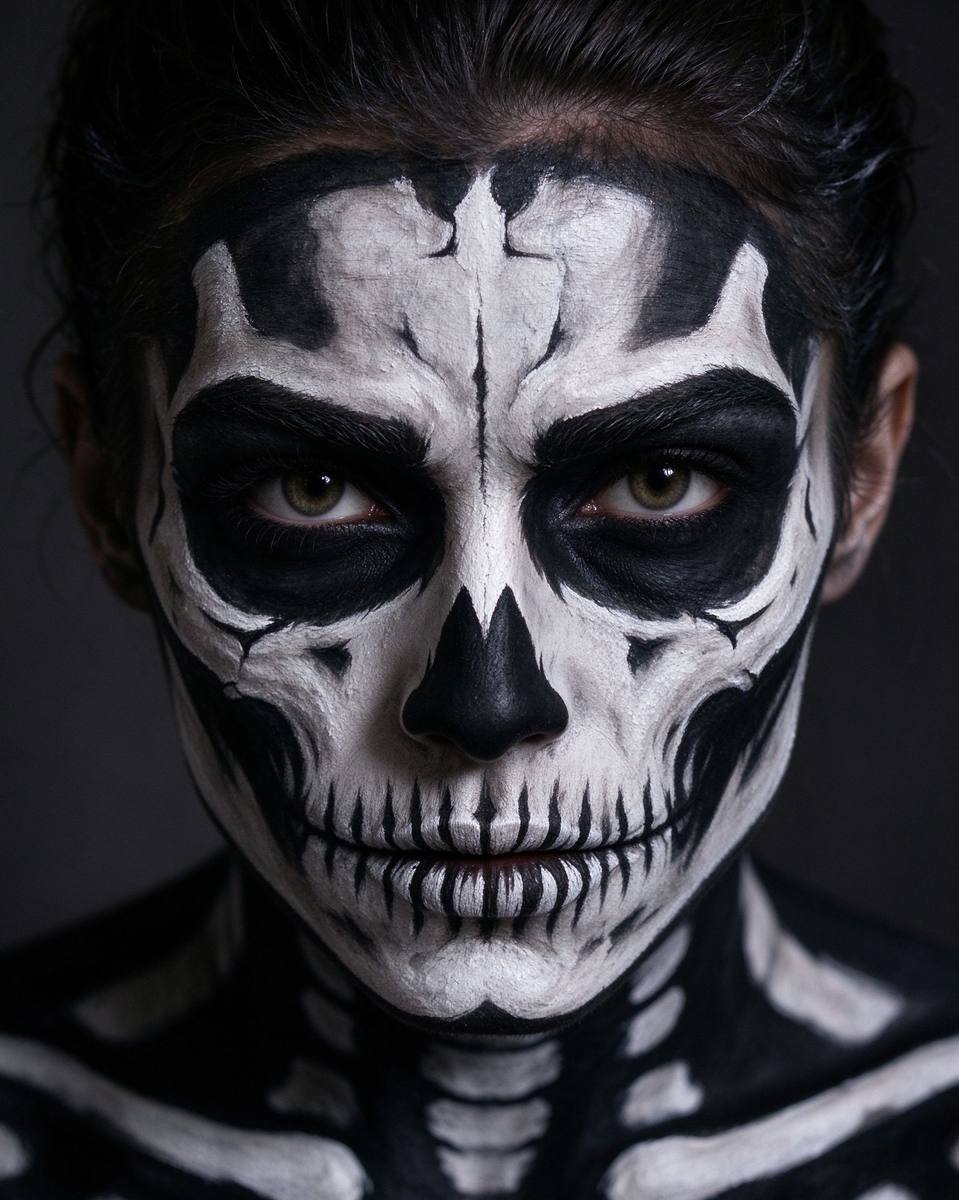 Face FX
Zombie Face Filter
Transform your selfie, then avatar it for your profiles.
Open tool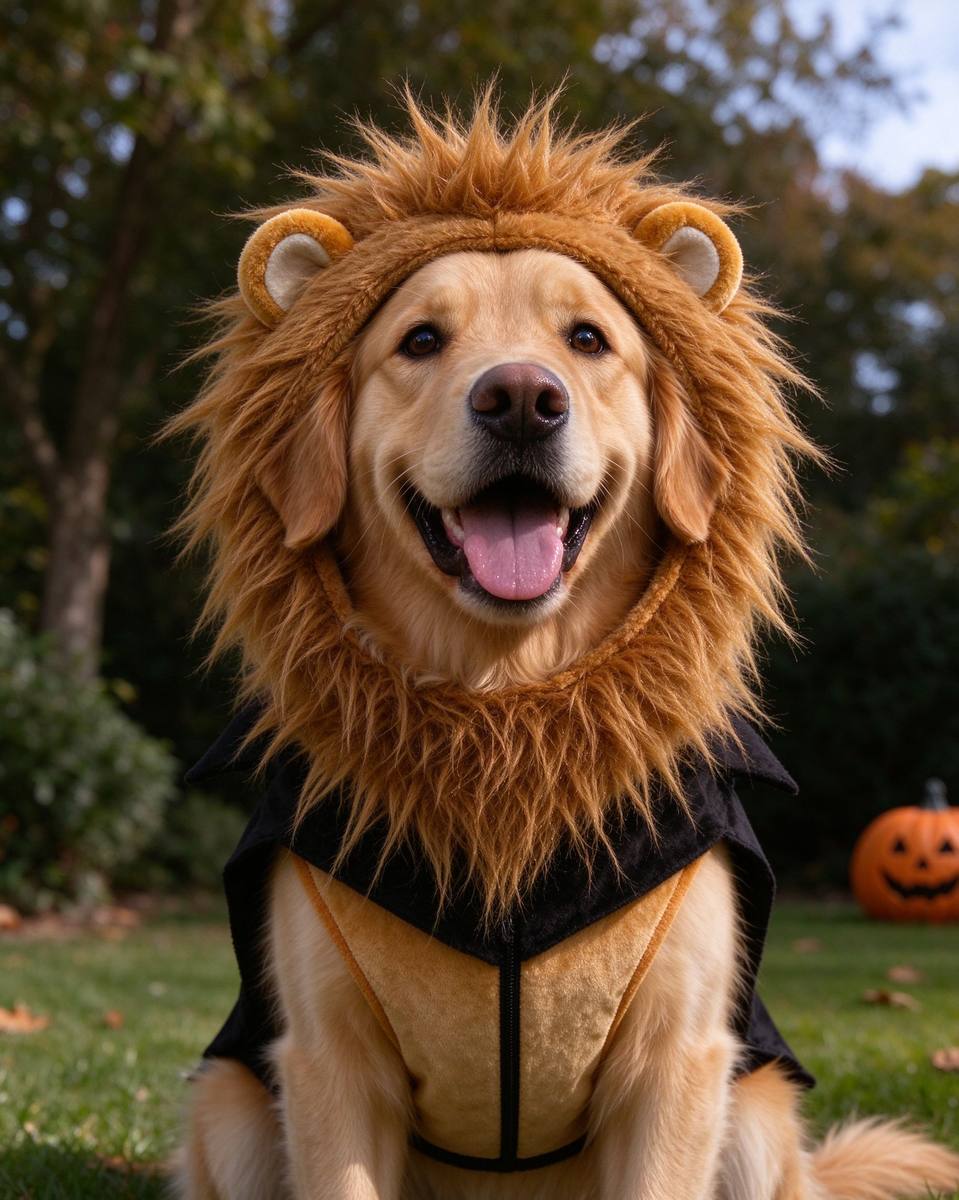 Pets
Pets
Pet Costume Maker
Make your pet the group avatar instead of yourself.
Open tool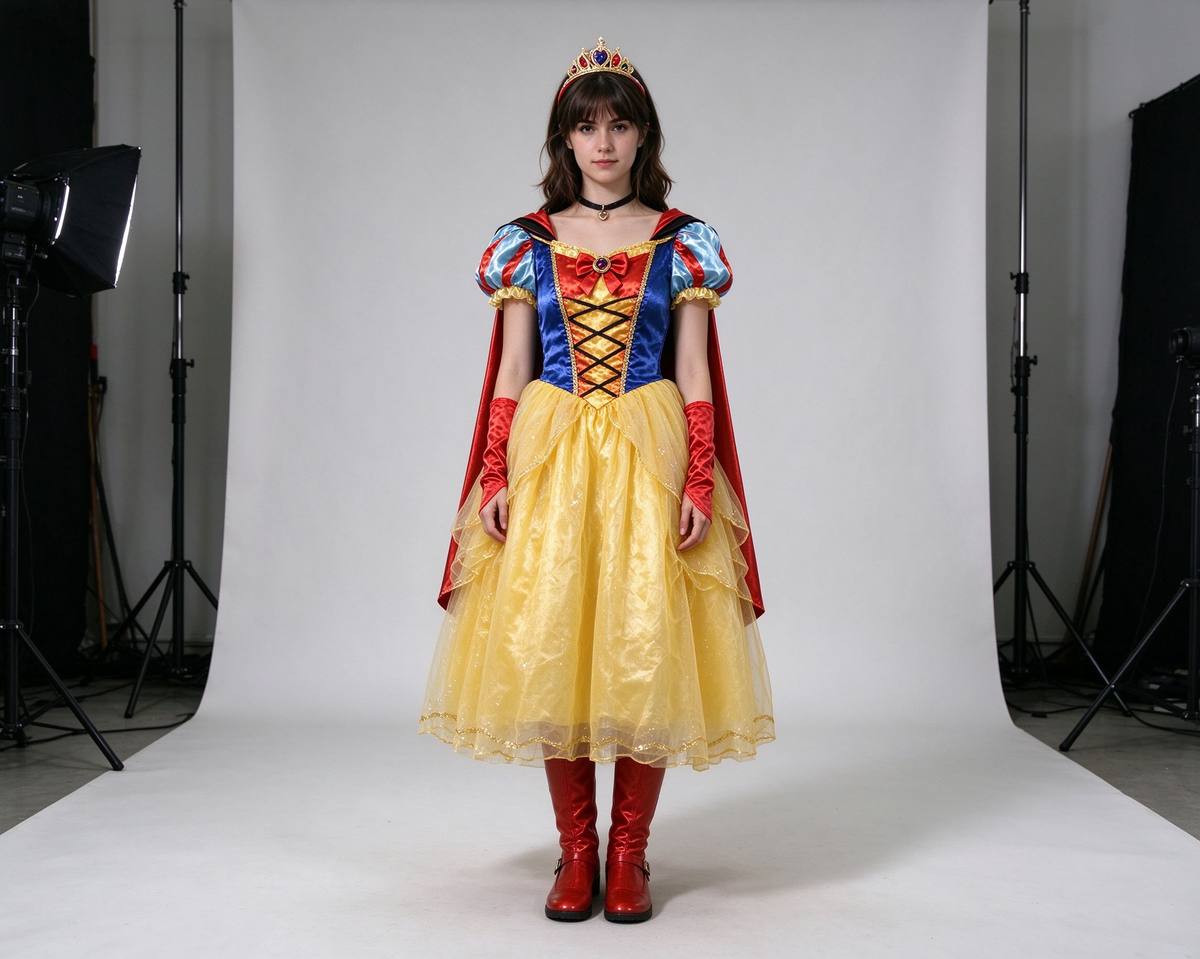 Costume
Virtual Costume Try-On
Preview your full look before the avatar goes live.
Open tool