Virtual Halloween Costume Try-On — Preview Costumes on Your Photo
Stop guessing how that online costume will actually look on you. Upload a photo, mark your shoulders and hips, and preview 15 costumes in 7 colors — 105 looks — before you spend a dollar. Free, private, no sign-up.
Stylized silhouette try-on preview only — not a real body fit simulation.
Three steps to your Halloween look preview
Upload or sample
Upload a full-body or half-body photo, or try the built-in sample body. Stand upright with arms away from your sides for the cleanest silhouette.
Align 3 dots
Drag the orange dots onto your left shoulder, right shoulder and hip center. The costume shape scales and hangs from these points.
Swap costume & color
Pick from 15 costumes and 7 colors — 105 combinations. Tune overlay strength and download the PNG preview to shortlist your look.
The $40 costume mistake — previewed before checkout
On Reddit, costume buyers warn that online Halloween outfits "run 2-3 sizes small", straps slip constantly and zippers break within two hours — and a viral Weibo post called buying online costumes "falling out of love the moment you try them on". Preview the silhouette on your own photo before you spend a cent.
No return trips, no last-minute panic orders. Pick a costume, swap colors, adjust the overlay strength, then download and share your preview — all on your device, your photo never leaves your phone.
Is this a real 3D fit?
What photo works best?
Can I use this for group photos?
Is it really free?
Pair this tool with…
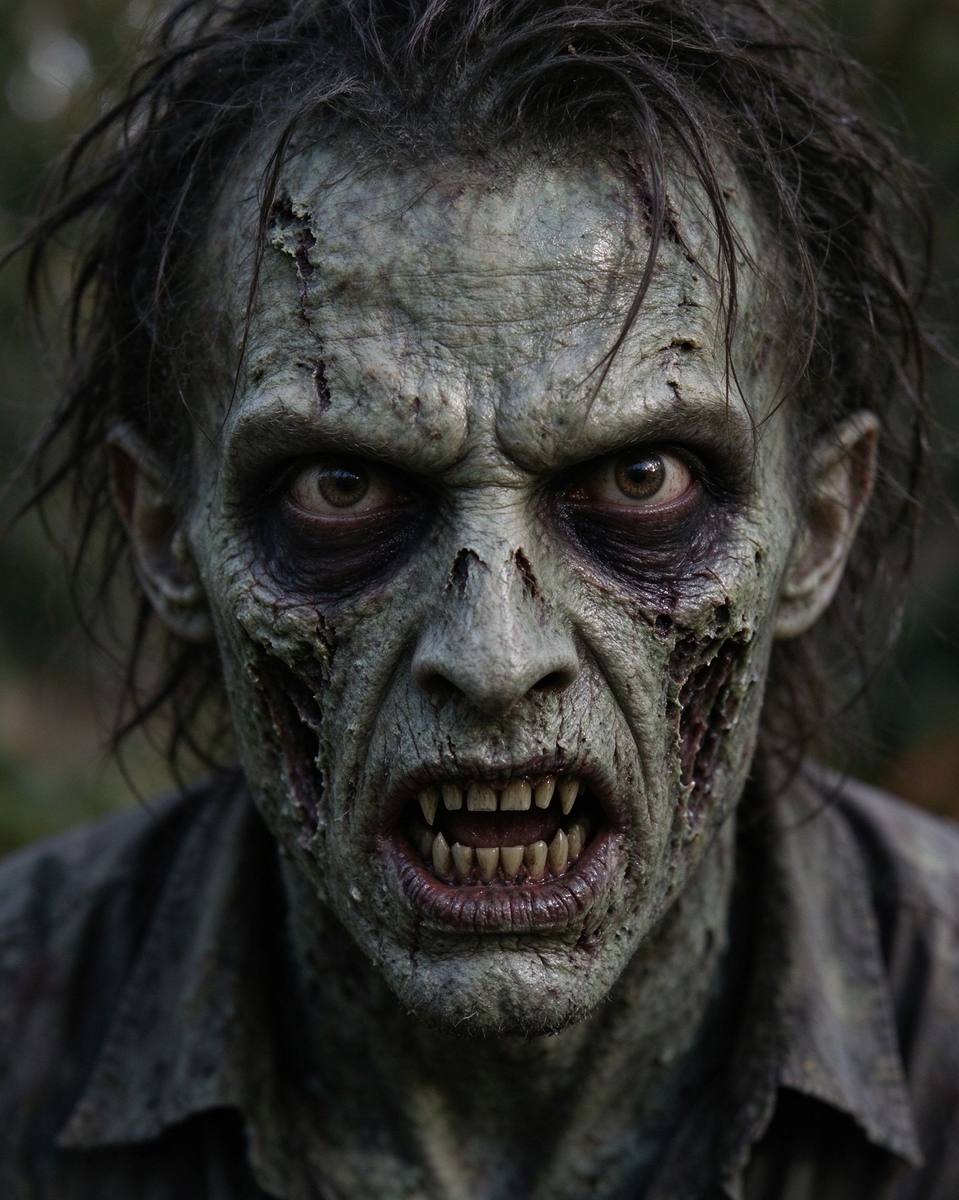 Face FX
Zombie Face Filter
Turn your selfie into a zombie, skeleton, witch or vampire in seconds.
Open tool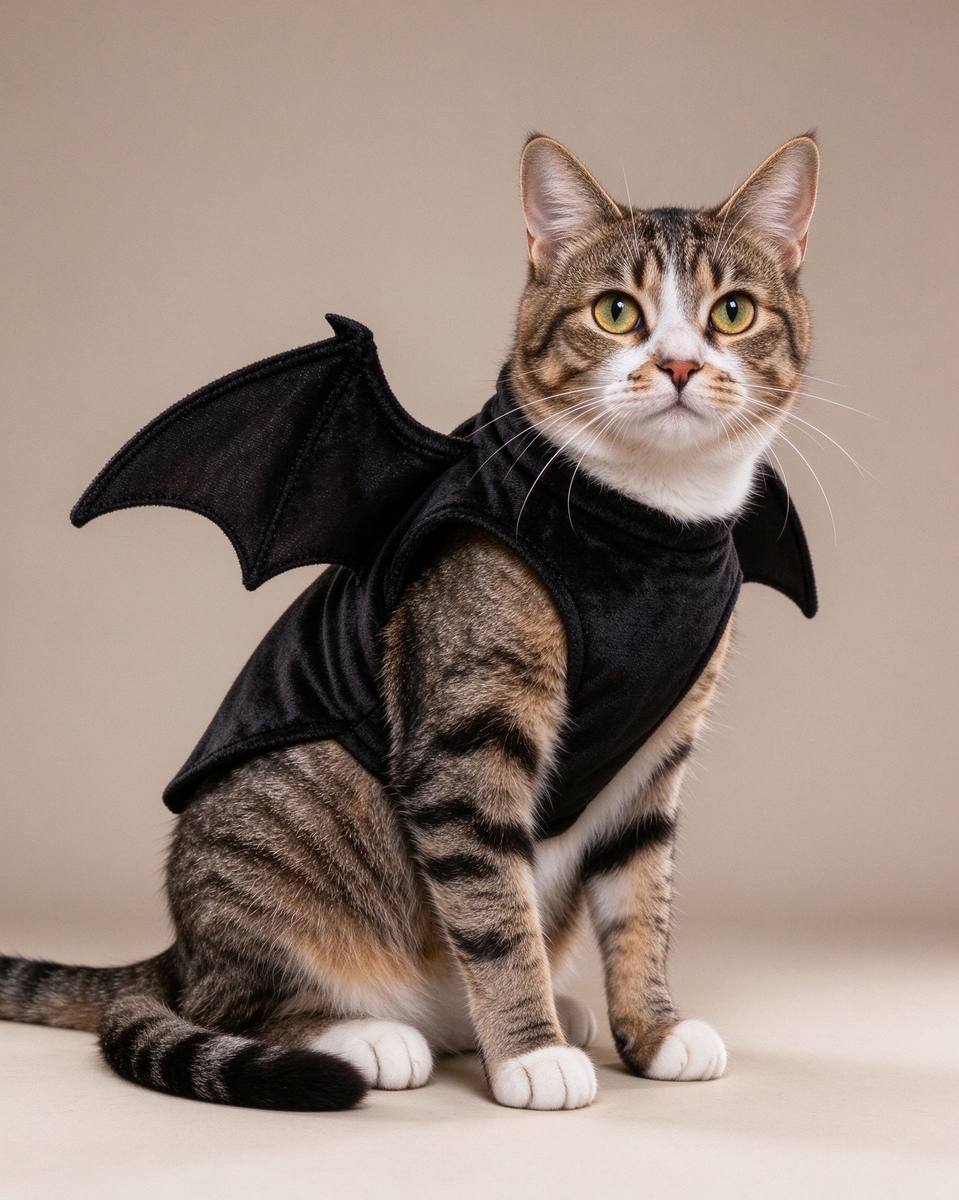 Pets
Pets
Pet Costume Maker
Dress your cat or dog photo in bat wings, witch hats and more — zero stress for the pet.
Open tool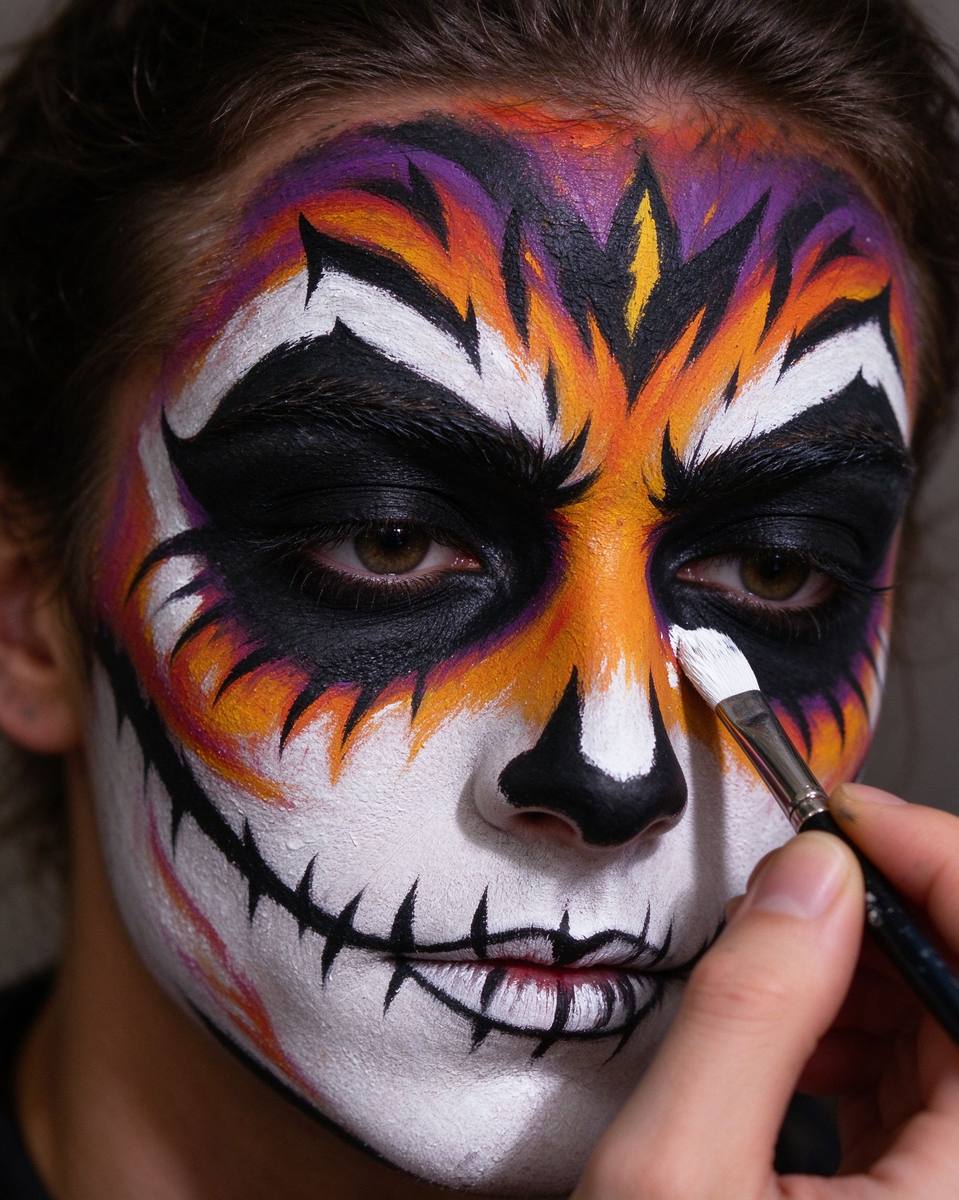 Makeup
Makeup Simulator
Try 8 iconic Halloween makeup looks on your face before you paint.
Open tool