Every October the same question trends: what is the best AI halloween photo effect this year? The honest answer is that there is no single best tool — there are three completely different categories of effect, each built for a different job. In 2026, halloween filters that sit on your face, ai photo generators that invent whole scenes from a text prompt, and classic photo editing that darkens and tints your real photos all still coexist, and each one wins in specific situations. This roundup maps the landscape, tells you which tools are worth your time, and — just as importantly — flags what AI still cannot do, so you do not waste an evening waiting for a filter that was never going to work.
The three categories of Halloween photo effect in 2026
Before comparing tools, it helps to know which category you actually need. The table below is the quickest way to choose.
| Category | What it does | Best for | Needs a real photo? |
|---|---|---|---|
| Face / portrait filters | Overlays zombie, skeleton, witch or vampire looks onto your selfie | Profile pictures, reaction images, quick posts | Yes — your face |
| Text-to-image generators | Invents a brand-new spooky scene from words | Wallpapers, posters, party art, concept shots | No — pure prompt |
| Classic editing & presets | Darks, tints and grades your real photos with a spooky look | Real costume shots, pumpkin patches, haunted-house visits | Yes — and it shows |
Category 1: Browser halloween face filters
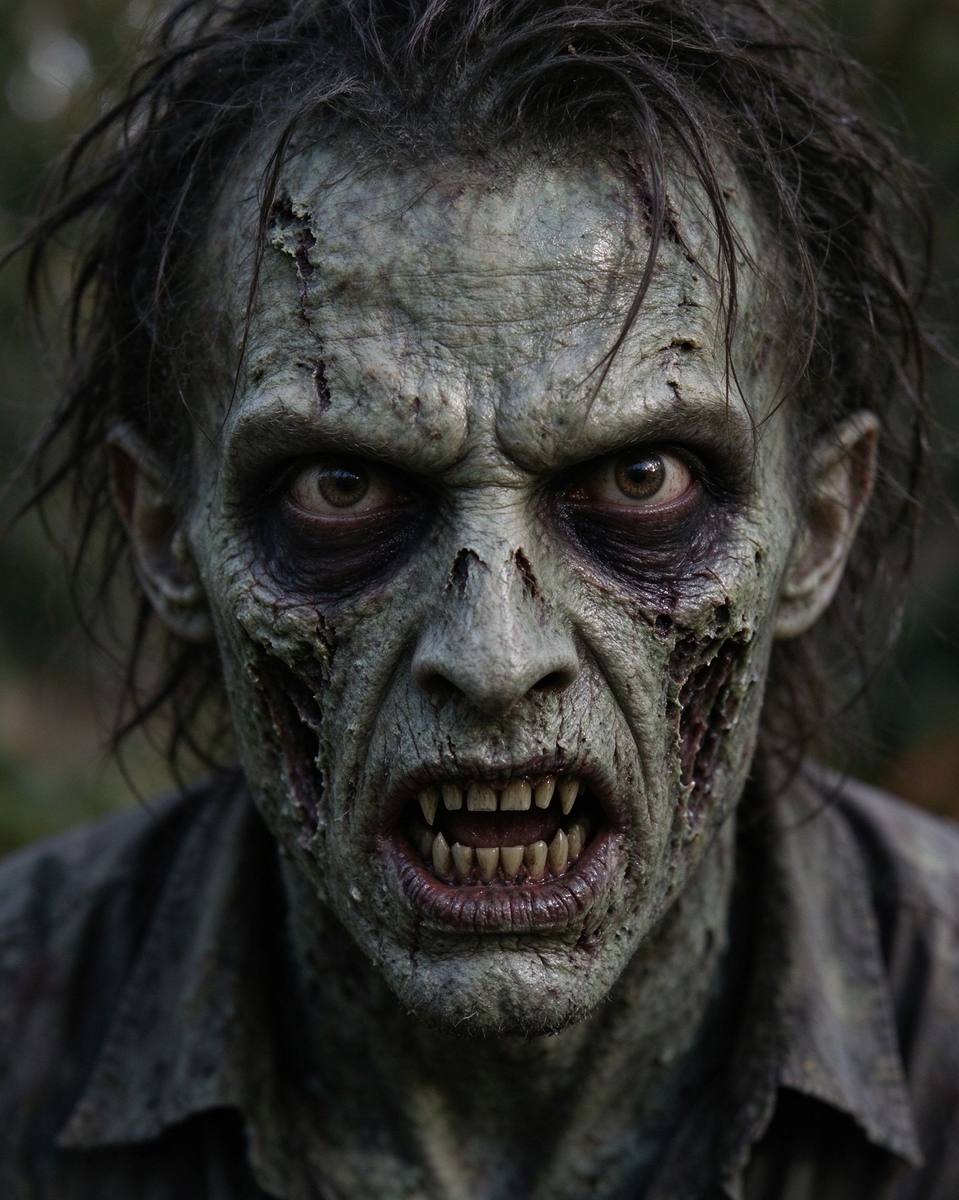
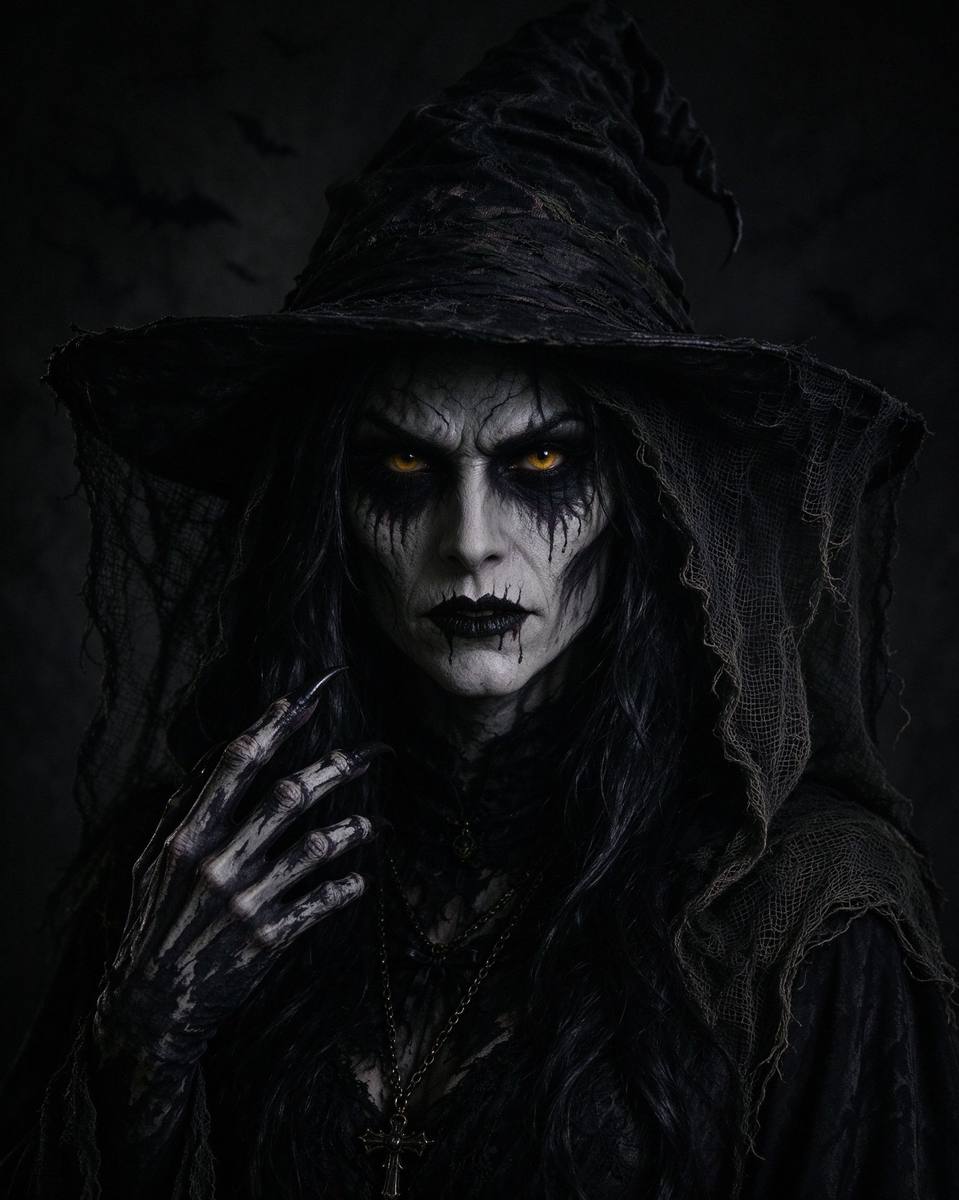
The most common search is for halloween filters that transform a selfie into a monster. Two years ago this meant an app, an account, and a watermark. In 2026 the best experience has moved into the browser: you upload a photo, drag a couple of alignment dots, pick a look, and download a full-resolution PNG — with no sign-up and no upload to a server. Our own Portrait Effects tool works exactly this way, offering zombie, skeleton, witch, vampire, ghost and pumpkin-king overlays with an intensity slider for a "just a hint" look.
When a browser filter wins
- You want to swap your social avatar for the season — pair it with the Avatar Generator so every platform gets the right crop.
- You took no costume photos and still want a Halloween post tonight.
- You care about privacy: the image never leaves your device.
When a browser filter disappoints
These overlays assume a front-facing, well-lit face. Group shots, side profiles, heavy bangs, or sunglasses produce floating masks. They also cannot restyle your background, change your clothes, or invent a full scene — that is a different job, covered next.
Category 2: AI photo generators (text-to-image)
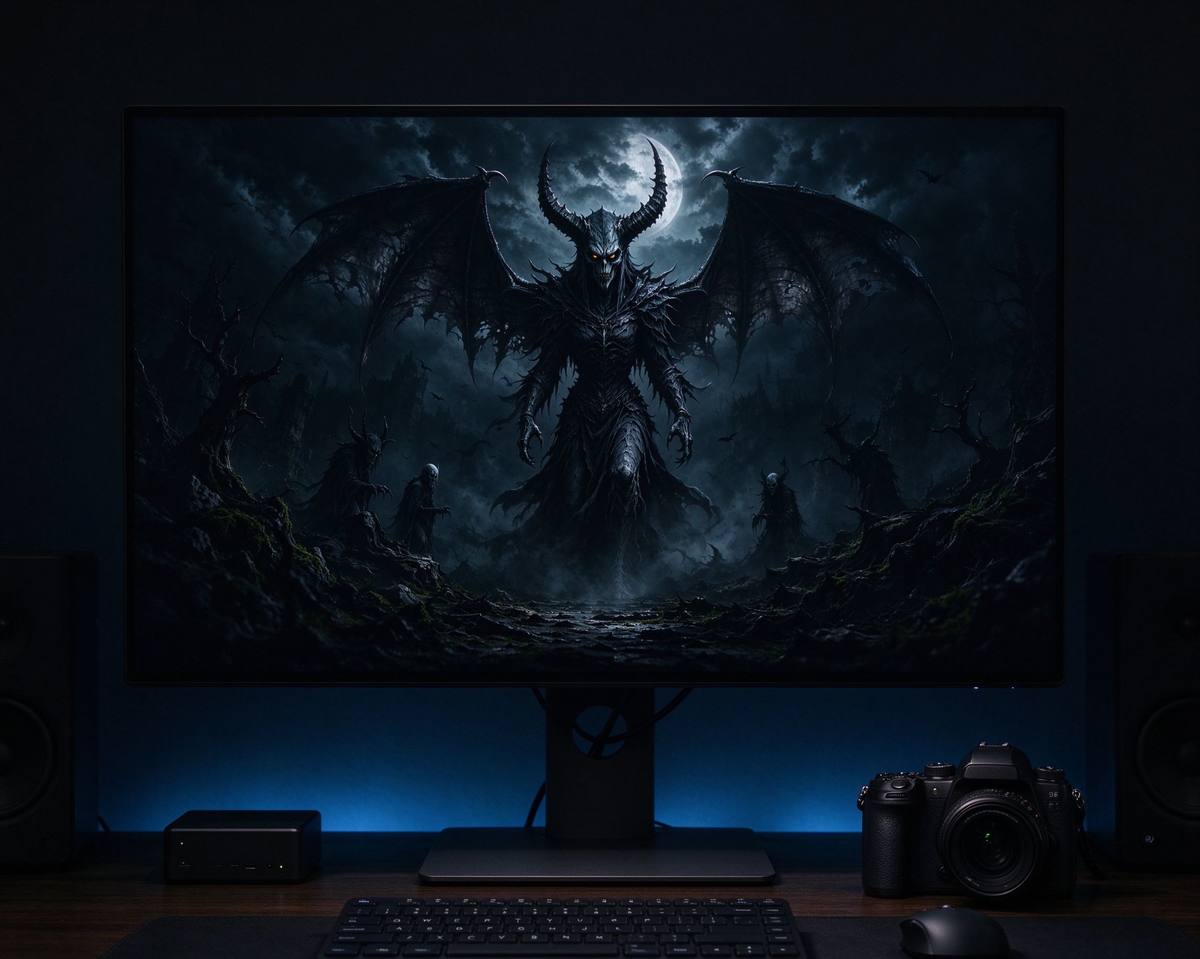
An ai photo generator for halloween does not touch your photo at all: it builds an image from a prompt — a witch flying over a pumpkin field under a blood moon, a Victorian haunted mansion, a skeleton barista serving lattes. In 2026 the leading engines (Midjourney, DALL-E, and similar) render these at wallpaper quality in seconds.
The catch is the prompt. Most people type "spooky halloween" and get a generic stock image. The difference between a generic result and one that makes your friends stop scrolling is structure: subject, style, lighting, mood, and medium. That is exactly what the AI Art Prompt Generator assembles for you — pick a theme, a style, a mood and a light, and it outputs two ready prompts in Midjourney and DALL-E flavours. If you want to understand the anatomy yourself, read our guide on writing the perfect Halloween AI art prompt.
Rule of thumb: if you need you in the picture, use a filter. If you need a picture full stop, use a generator.
Category 3: Classic editing — underrated, still unmatched
Here is an honest secret: for real Halloween photos (your actual costume, the actual carved pumpkins, the actual party), a grade still beats any AI effect. AI filters tend to make real photos look glossy and fake; a good dark grade keeps them authentic. The classic moves are:
- Drop exposure, lift shadows slightly. Night becomes moody instead of crushed black.
- Shift white balance cooler (toward blue-green) for moonlight, or warmer amber for candlelight.
- Add a vignette to pull the eye to the subject.
- Slightly desaturate except for one pop colour — orange jack-o'-lanterns against a cold street read instantly as Halloween.
This is the workflow behind every professional Halloween editorial spread, and it takes about two minutes in any free photo editor.
What genuinely still needs a real camera
To keep expectations honest, here is what AI effects cannot deliver yet, even in 2026:
- Real moving video of you in a costume. Talking-head deepfake-style costumes exist in labs, but not as a free, clean, publishable tool. Film yourself.
- Your pet wearing an actual costume. Filters can hint at bat ears or a witch hat, but a real pet photo is a real pet photo — our Pet Costume Maker is the practical compromise.
- Group costume shots. AI group images keep producing extra fingers and mismatched faces. Five friends in real costumes, shot on a phone, still win.
- Authentic haunted-house or pumpkin-patch atmosphere. A real location, even badly shot, has texture no generator invents from scratch.
Frequently asked questions
Are AI halloween photo effects free?
Browser-based filter tools like ours are free with no sign-up, because they run on your device. Major text-to-image engines usually offer a limited free tier or pay-per-generation. Classic photo editors have free tiers too.
Will AI effects ruin my real photos?
Not if you keep the original. Always work on a copy; download both the original and the effect, and post the grade version rather than overwriting the real shot.
Which is better, a filter or a generator?
It depends on the goal. A face filter is instant and personal; a generator creates original art. Most October post calendars use both: real photos graded for authenticity, filter avatars for identity, and generated images for backgrounds and decoration.
中文要点摘要(Chinese key points)
三类特效分清楚:①人像滤镜(僵尸/骷髅/女巫等自拍叠加)——适合头像与快速发帖;②文生图生成器(纯提示词造场景)——适合壁纸、海报;③经典调色(压曝光、冷白平衡、暗角、保一个橙色点缀)——真实万圣节照片仍靠调色赢。
选择口诀:照片里需要"你"就用滤镜,只要"一张图"就用生成器,真实场景照就用调色,别硬套AI。
2026年仍需真相机的:真人服装动态视频、宠物真穿服装、多人同框(AI易多手错脸)、真实鬼屋/南瓜地氛围。
工具搭配:滤镜用 Portrait Effects,提示词组装用 Prompt Generator,头像尺寸用 Avatar Generator,全程本地运行、不注册、原图保留。
Start with one good photo
The best Halloween photo pipeline in 2026 is a mix, not a single app: grade your real photos, filter your selfie for a fresh avatar, and generate one piece of original art for your wallpaper. Open the Portrait Effects tool to start, then use the Prompt Generator for the scene you cannot photograph. Want the tutorial version of all this? Our guide to turning your photos into zombie masterpieces walks through alignment step by step.