Halloween Budget Planner — Stop the $40-Per-Kid Spiral
Five categories, one screen. Enter planned and actual spend for costumes, candy, decor, party and pumpkins — see totals and overspend warnings instantly, then save it in your browser.
Three steps to a Halloween that survives November
Set planned budgets
Decide what you can spend per category before the store aisles talk you into more. Numbers save locally on this device.
Log actuals as you go
Every time you buy a costume, a bag of candy or a string of lights, type the real amount in. The row colors tell you instantly.
Watch the totals
Planned vs. actual rolls up across all five categories. Red means dial back the next purchase — your future self thanks you.
The "$40-per-kid problem" is real, and it repeats every October
On Facebook parenting groups and Reddit, the yearly complaint is identical: "Halloween costume shopping has a way of turning into a $40-per-kid problem before you've even picked a theme," and most of what gets bought is "worn once and tossed in a closet by November." Add candy, decor and a party and the number climbs fast. This planner forces one honest number per category before the shopping starts, so the costume swap next year — and your January credit card statement — both look healthier.
Is my financial data stored?
What counts as "overspend"?
Can I reset the numbers?
More money-saving Halloween tools
 Planning
Candy Calculator
Buy exactly what you need — no giant bag left over in March.
Open tool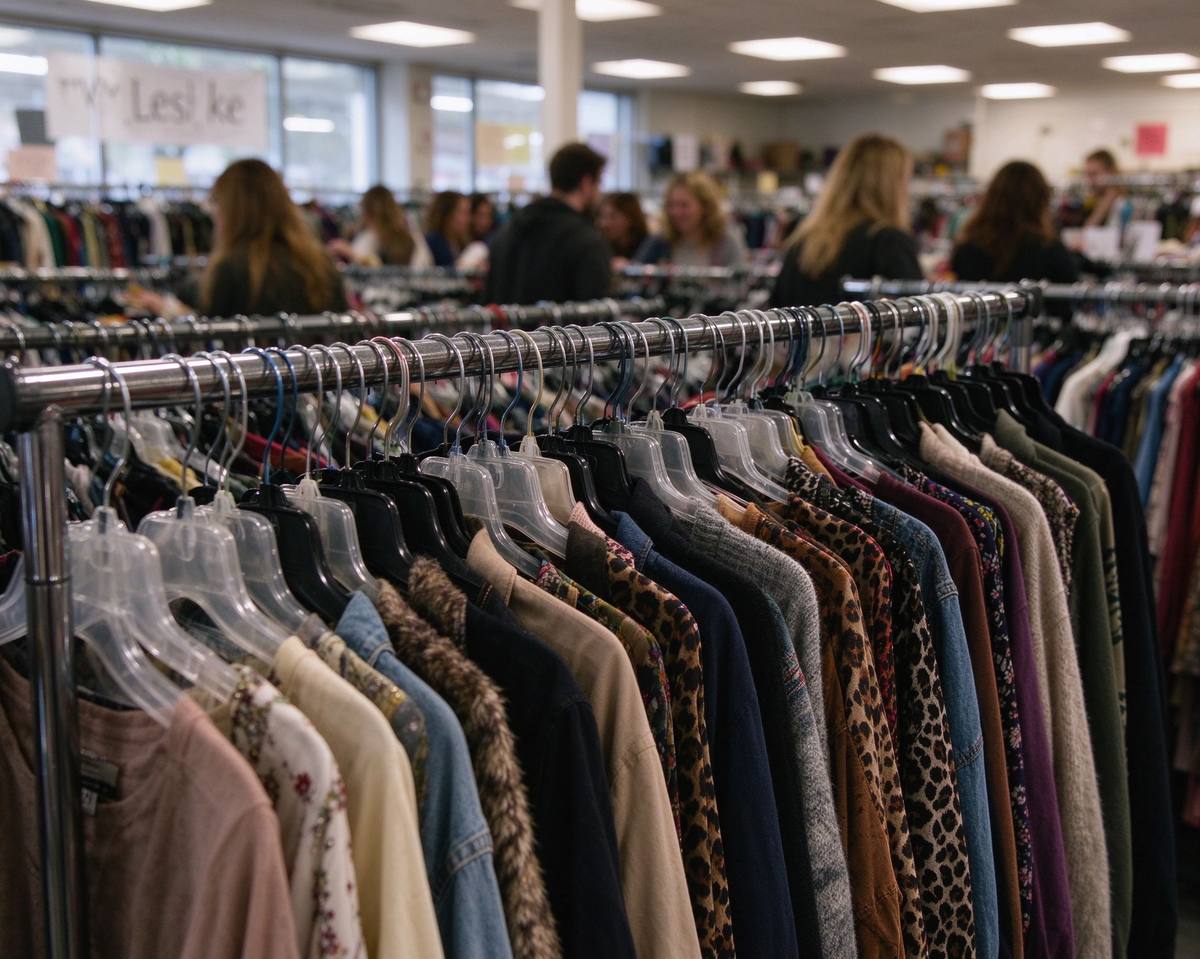 Sustainable
Costume Swap Planner
Trade last year's costume instead of buying a new one.
Open tool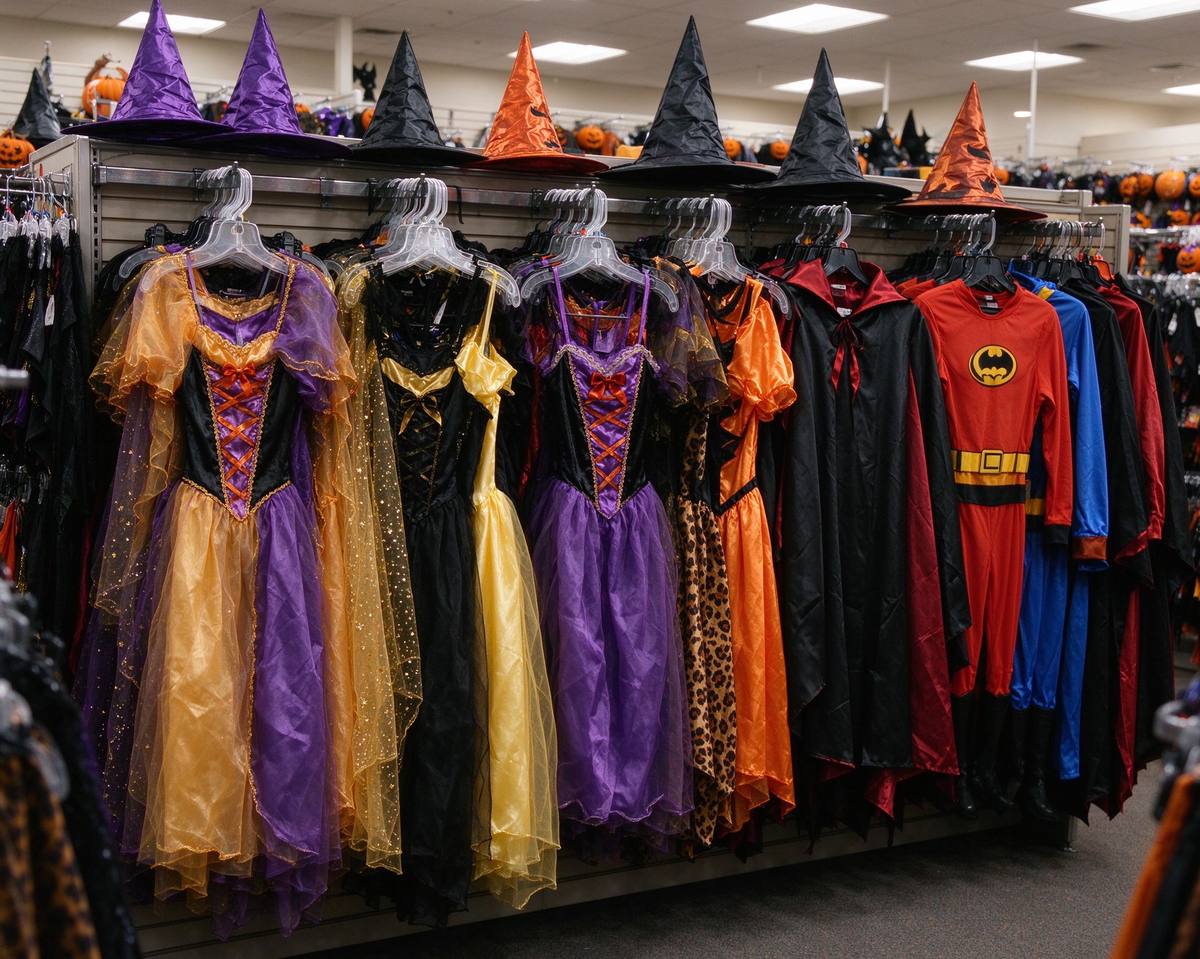 Costume
Costume Ideas Generator
Ideas sorted by budget: $0, $20, $50 or $100+.
Open toolRead: Budget Halloween Decorations — Big Scares, Small Wallet →